
Any File Converter by TripodShots
Free online file converter, compressor, PDF editor and text extractor
Drag & drop files here
or click to browse your device
Max 50 MB per file
What would you like to do with this file?
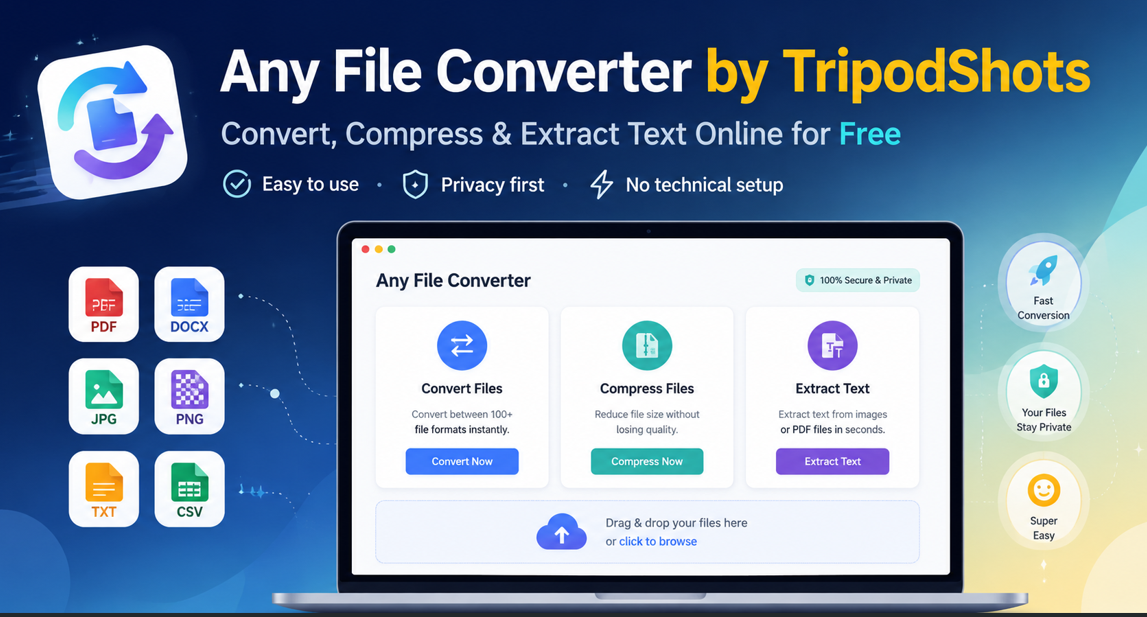
Looking for an Any File Converter that is simple, fast and free to use? Any File Converter by TripodShots is created to help users convert files, compress files and extract text from images or PDF documents without needing complicated software. Whether you are a student, business owner, designer, blogger, freelancer or daily internet user, this tool helps you manage common file tasks directly online.
Many people struggle when they need to change a file format quickly. For example, someone may want to convert an image, extract text from a scanned document, compress a file before sharing it, or prepare a document for upload. However, most online tools either feel confusing, show too many ads, or make users worry about privacy. Therefore, TripodShots created this free file converter to make the process cleaner, easier and more user-friendly.
What Is Any File Converter by TripodShots?
Any File Converter by TripodShots is a free online file tool that allows users to upload files and perform useful actions such as conversion, compression and text extraction.
Instead of installing heavy software or depending on paid tools, users can open the page, upload a file and select the required action. As a result, the process becomes quick and easy for everyday use.
This any file converter is especially useful for users who regularly work with images, PDFs, documents and other common file types.
Why Use This Free File Converter?
There are many file tools available online, but not all of them are simple or safe to use. Some tools require signups, while others limit important features behind paid plans.
Here are the main reasons to use this tool:
- Convert files into supported formats easily
- Compress files before sharing or uploading
- Extract text from images and PDF files
- Use a clean and beginner-friendly interface
- Avoid complicated software installation
- Save time while handling everyday file tasks
- Use a privacy-focused tool created for public use
Because the tool is available online, users can access it from desktop, tablet or mobile devices. Therefore, it is helpful for quick file work from almost anywhere.
Convert Files Easily Online
File conversion is one of the most common digital needs. Sometimes a website, app, client or platform may ask for a specific file format. In that case, users usually search for an any file converter that can quickly help them change the file format.
With Any File Converter by TripodShots, users can upload a file, choose the required output option and download the converted file.
This feature is useful for people who work with digital documents, images, content files, forms, assignments and business files. In addition, it helps users avoid switching between multiple tools for simple file conversion tasks.
Compress Files Without Making the Process Complicated
Large files can be difficult to upload, send or store. For example, email platforms, forms and websites often have file size limits. Therefore, file compression becomes important when users need to reduce file size before sharing it.
The compression feature in this free file converter helps users reduce file size where possible. After compression, users can compare the original file size and new file size before downloading the final file. This makes the result more transparent and easy to understand.
Extract Text From Images and PDFs
One of the most helpful features of Any File Converter by TripodShots is text extraction. Many users have screenshots, scanned documents, image notes or PDF files that contain important text. Instead of typing everything manually, they can use the extract text option.
This feature helps collect text from images and supported PDF files, then provide it as a text file. As a result, users can copy, edit, save or reuse the extracted text more easily.
This is useful for:
- Students extracting notes from images
- Office users working with scanned documents
- Bloggers collecting text from screenshots
- Business owners handling PDF information
- Designers and marketers working with creative files
- Anyone who wants to save time instead of manual typing
In addition, OCR text extraction runs in the browser, which supports the privacy-focused purpose of the tool.
Privacy-First File Processing
Privacy is a major concern when using online file tools. Users often wonder whether their uploaded files are stored, shared or used later. Because of this, Any File Converter by TripodShots clearly explains how files are handled.
Your files are processed only for the selected action. We do not sell, share, or permanently store your files. Temporary uploaded and converted files are automatically deleted from the server. For OCR, text extraction runs in your browser.
This helps users feel more confident before uploading a file.
Who Can Use This Any File Converter?
This any file converter is useful for almost everyone who works with files online. Since the interface is simple, users do not need coding skills or technical knowledge.
It can help:
- Students who need to convert or extract study material
- Teachers who manage worksheets and PDF notes
- Office teams who handle regular document tasks
- Freelancers who send files to clients
- Digital marketers who work with images and documents
- Bloggers who prepare content assets
- Small business owners who need quick file tools
- General users who want a free file converter online
How to Use Any File Converter by TripodShots
Using the tool is simple. Follow these steps:
- Open the Any File Converter by TripodShots page.
- Upload your file using the browse or drag-and-drop option.
- Select the action you want to perform.
- Choose convert, compress or extract text.
- Wait for the tool to process your file.
- Download the final output.
Free Online File Tool for Everyday Users
Any File Converter by TripodShots is not only a file converter. It is a simple online file tool created to solve common problems. Instead of using different websites for different tasks, users can perform multiple file actions from one place.
For example, a user may upload an image, extract text from it, compress the file, or convert it into another supported format. Therefore, this tool can save time and make file handling more convenient.
If you need a simple and privacy-focused any file converter, this tool is a practical option for everyday use.
Start Using Any File Converter by TripodShots
Any File Converter by TripodShots is built to help users convert, compress and extract text from files easily. It is free, beginner-friendly and designed with privacy in mind.
Use the tool now and complete your file tasks online without installing extra software.
Try the free tool here:
https://www.tripodshots.com/file-converter/
Frequently Asked Questions
Is Any File Converter by TripodShots free?
Yes, Any File Converter by TripodShots is created as a free online file tool for users who need quick file conversion, compression and text extraction features.
Do I need to install any software?
No, users do not need to install extra software. The tool works online through the file converter page.
Can I compress files using this tool?
Yes, users can compress supported files and check the original file size and new file size before downloading the result.
Can I extract text from images or PDF files?
Yes, the tool includes an extract text feature that helps collect text from images and supported PDF files.
Are my files stored permanently?
No, the tool is designed with privacy in mind. Temporary uploaded and converted files are automatically deleted from the server, and OCR text extraction runs in the browser.